How to Boost Your Internet Speed: Practical Tips


Living and struggling with slow internet can be frustrating. Whether you're working from home, streaming your favorite shows, or just browsing the web, a sluggish connection can disrupt your day. Fortunately, there are practical ways to boost your internet speed.
Check Your Internet Plan
The first step is to ensure you're subscribed to an internet plan that meets your needs. Sometimes, the issue isn't with your connection but with the plan you've chosen. Contact your provider to confirm the speed you're supposed to be receiving and consider upgrading if necessary.
Understand Your Usage
If multiple users and devices are connected simultaneously, you might be using more bandwidth than your plan allows. This can significantly slow down your connection. Evaluate your household's internet usage and adjust your plan accordingly.

Optimize Your Router Placement
Router placement can affect your internet speed more than you might think. Ensure your router is placed in a central location, away from walls and obstructions. Elevating it from the floor can also help improve signal strength.
Avoid Interference
Electronic devices like microwaves and cordless phones can interfere with your router's signal. Keep such appliances away from your router to maintain a strong connection.

Secure Your Network
An unsecured network can be a goldmine for freeloaders, who can slow down your connection. Make sure your Wi-Fi network is password-protected, using WPA2 or WPA3 encryption for optimum security.
Regularly Update Your Equipment
Outdated routers and modems can be a bottleneck for your internet speed. Regular updates or even upgrades to your devices can make a significant difference. Check for firmware updates from the manufacturer or consider purchasing a newer model if your equipment is several years old.

Limit Background Activities
Background applications and updates can consume a lot of bandwidth. Check your devices for applications running in the background and disable any that aren't in use. This can free up bandwidth for activities that matter more to you.
Use Ethernet Cables
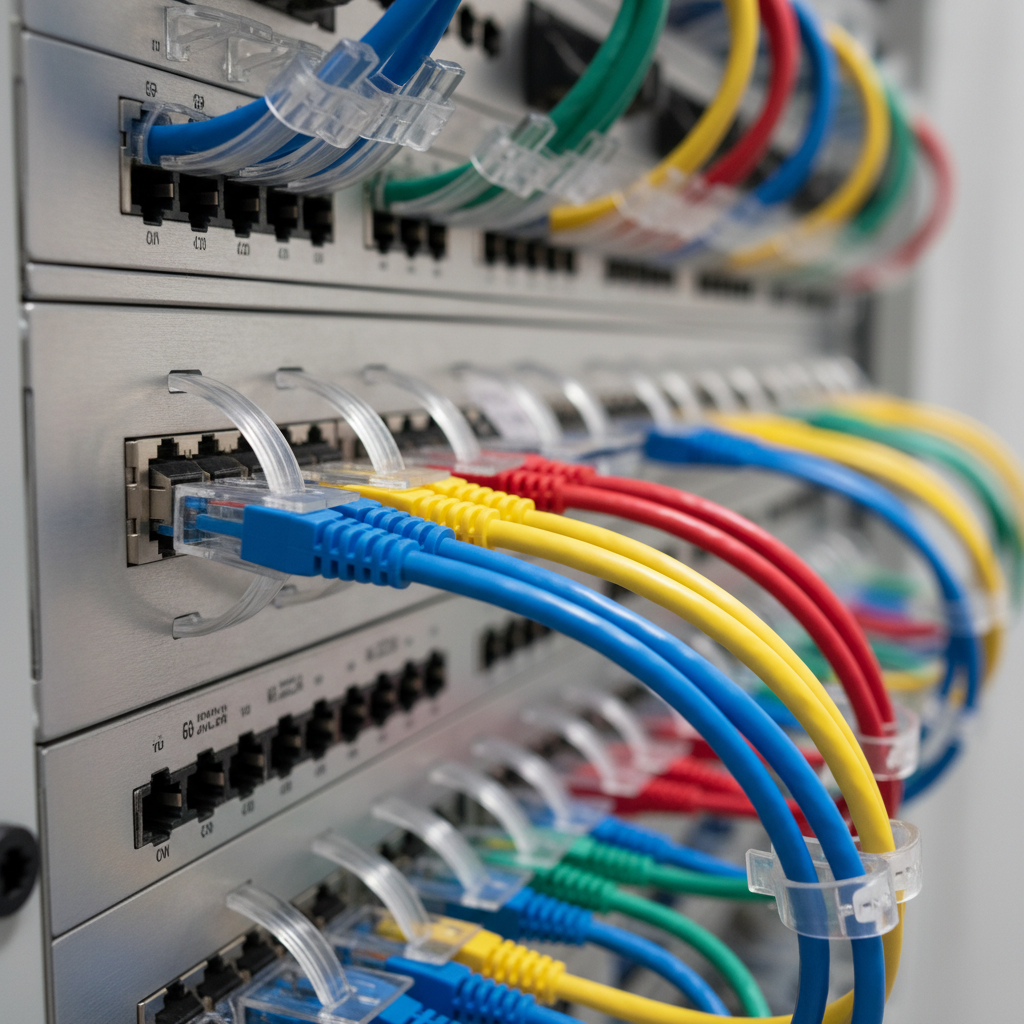
For tasks requiring a stable connection, consider using an Ethernet cable. Wired connections are generally faster and more reliable than Wi-Fi, especially for gaming or streaming in high definition.
By implementing these practical tips, you can experience a noticeable improvement in their internet speed. Whether it's choosing the right plan, optimizing router placement, or securing your network, small changes can lead to significant enhancements in your online experience.